Every feature, in one place.
What Klarflow does on the Mac, the iPhone and the iPad, what IT can manage, and what you need to run it.
Klarflow for Mac
A menu bar app for the small daily jobs, with proper windows for the bigger ones.
Menu bar panel
- Timer
- Start a timer on a task and see it run in the menu bar. Stop it, and the timesheet is logged in Odoo.
- Next meeting
- Your next meeting, with a Join button when it has a video link.
- Activities
- Overdue, today and upcoming. Done, snooze or open in Odoo. Expand one to see the record behind it.
- Approvals
- Time off and expenses waiting for you. Approve, or refuse with a reason.
- Chat
- Your conversations with unread counts, and a compact chat window to reply.
- Tickets
- Your helpdesk tickets and the team queue, with replies and internal notes.
- Search
- Find contacts, sales orders and invoices, and open them in Odoo.
- Attendance
- Check in and check out from the panel.
Windows
- Documents
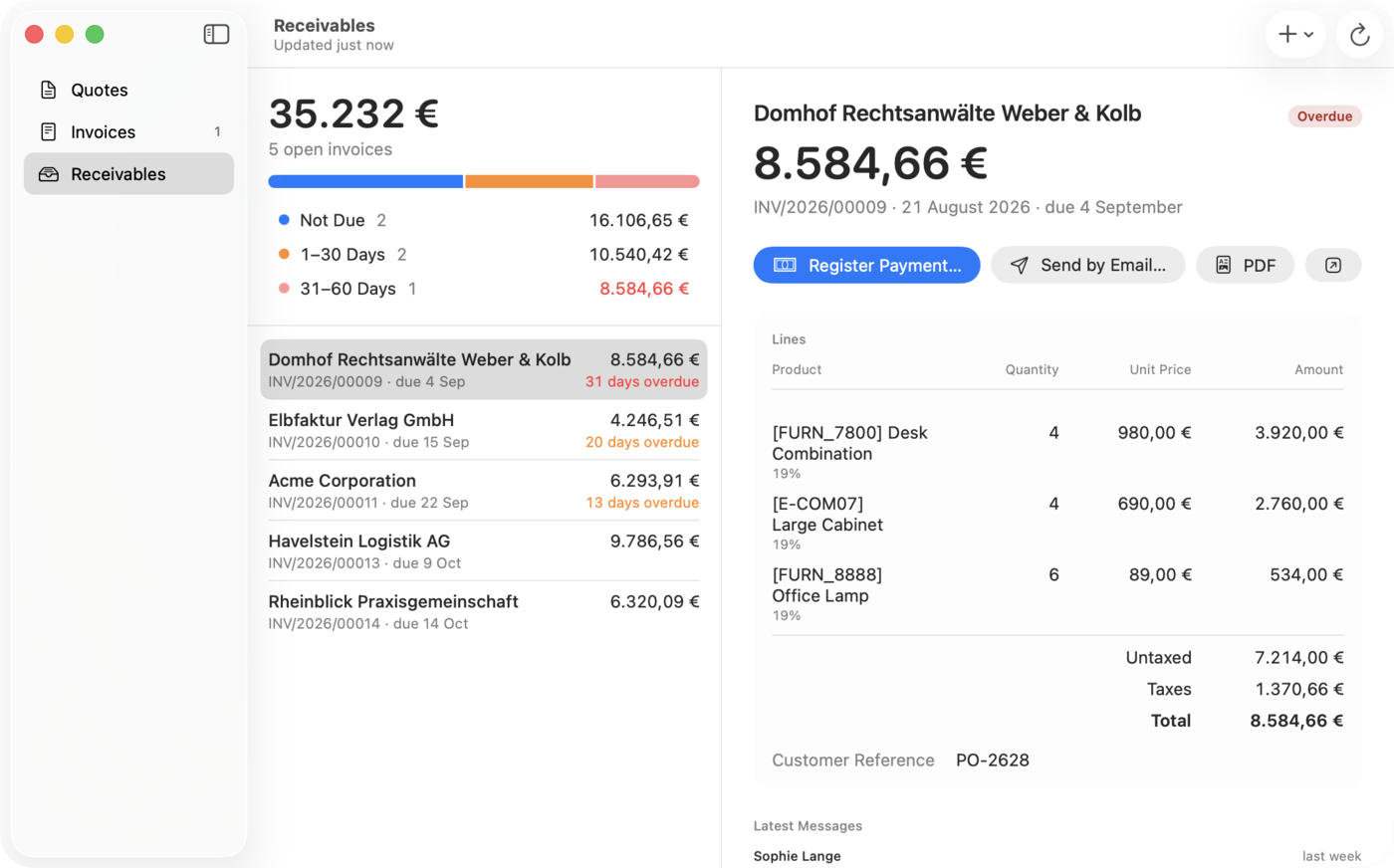
- Quotes and invoices with their lines. Create new ones, register a payment, send by email, open the PDF.
- Receivables
- Open customer invoices grouped by age, each one a click away.
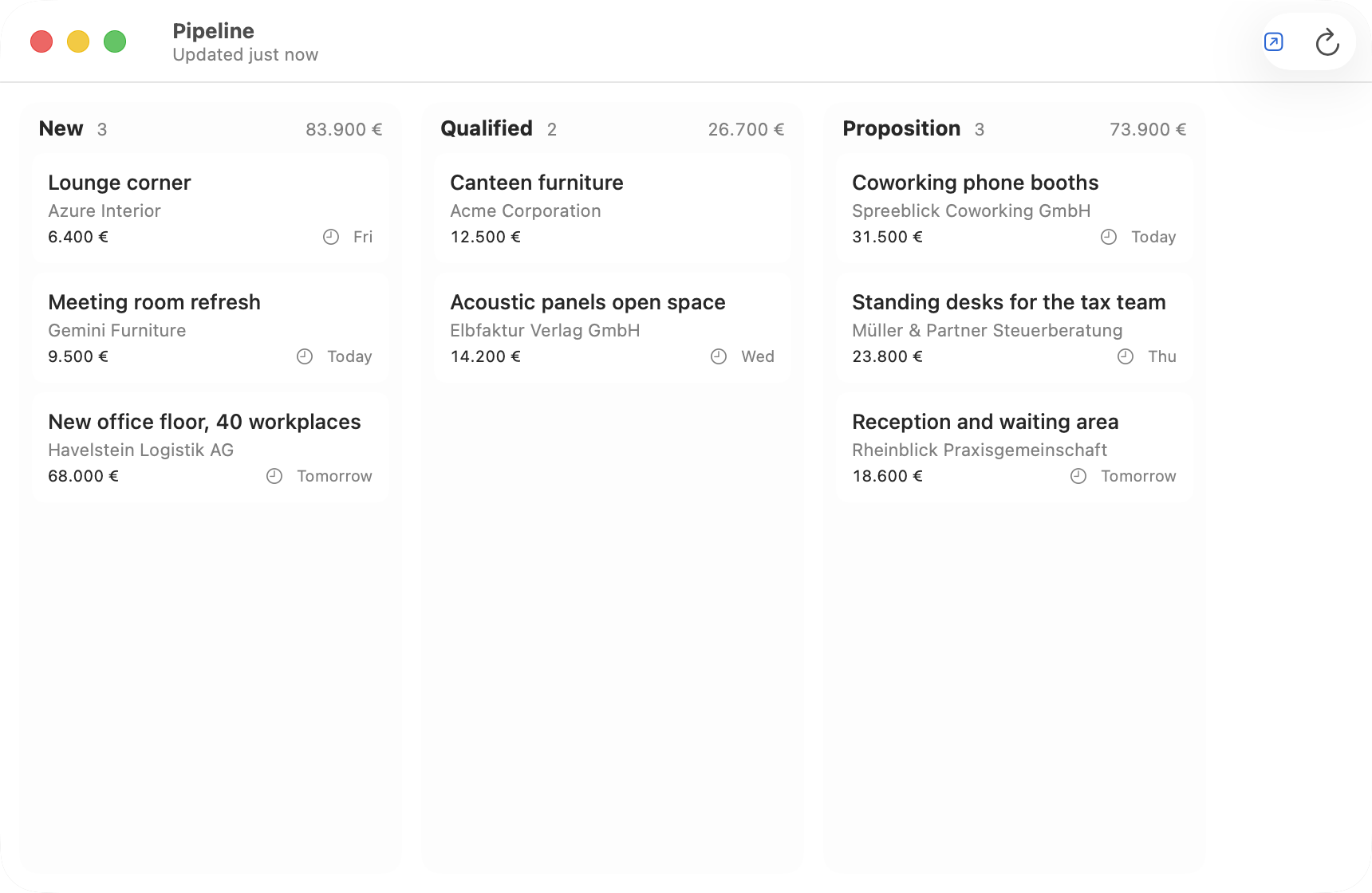
- Pipeline
- A column per stage. Drag a card to move it, mark it won or lost, see its next activity.
- Chat and tickets
- Each conversation and ticket opens in a compact window.
Shortcuts and system
- Quick create
- ⌃⌥Space from anywhere: a task, lead, contact or to-do, with a title and, for a task, the project.
- Widgets
- Running timer or hours today, the next activities with a Done button, My Day, and the figures for managers.
- Drag and drop
- Drop a receipt on the K in the menu bar to create an expense.
- Spotlight and Shortcuts
- Find customers and documents in Spotlight. Start the timer, log time or check in from Shortcuts.
- Several accounts
- More than one Odoo server or company, switch in one click.
Klarflow for iPhone
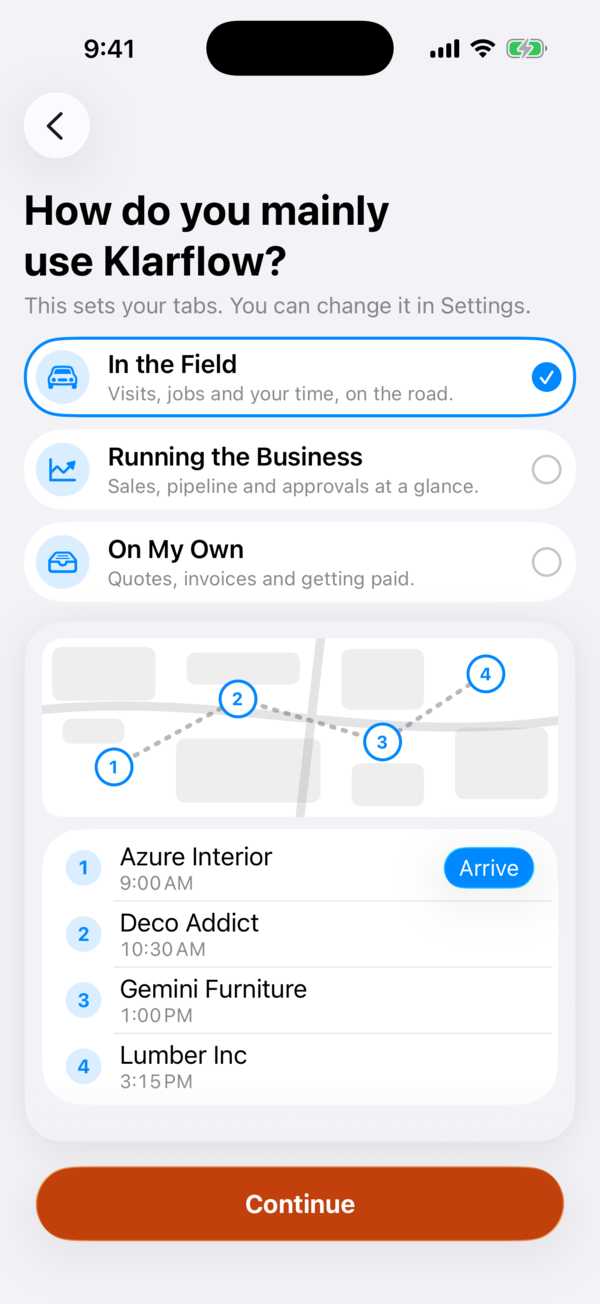
Three home screens, one for each way of working. Klarflow asks once and sets your tabs.
In the field
- Jobs
- Today's jobs on a map, numbered in order, with directions, a call or an email.
- Visits
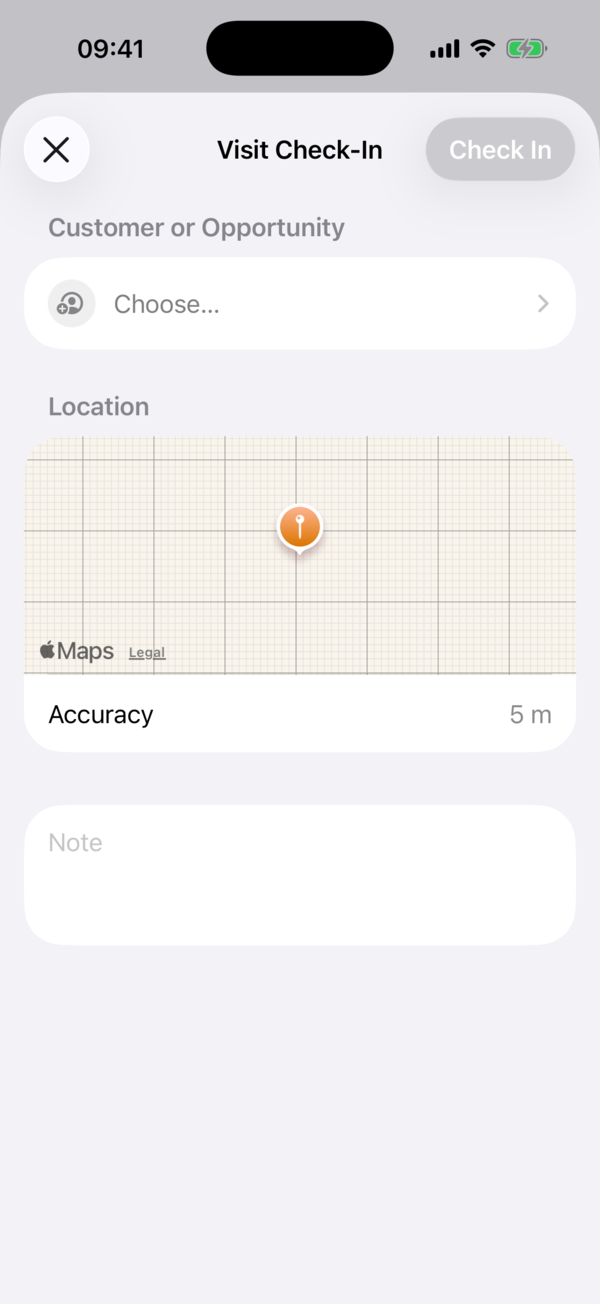
- Check in at a customer or opportunity, with your location and a note.
- Deliveries
- Scan the barcodes or count by hand, take the customer's signature, validate. The delivery slip PDF includes the signature.
- Time
- Timer and timesheets, with the running timer as a Live Activity.
- Expenses
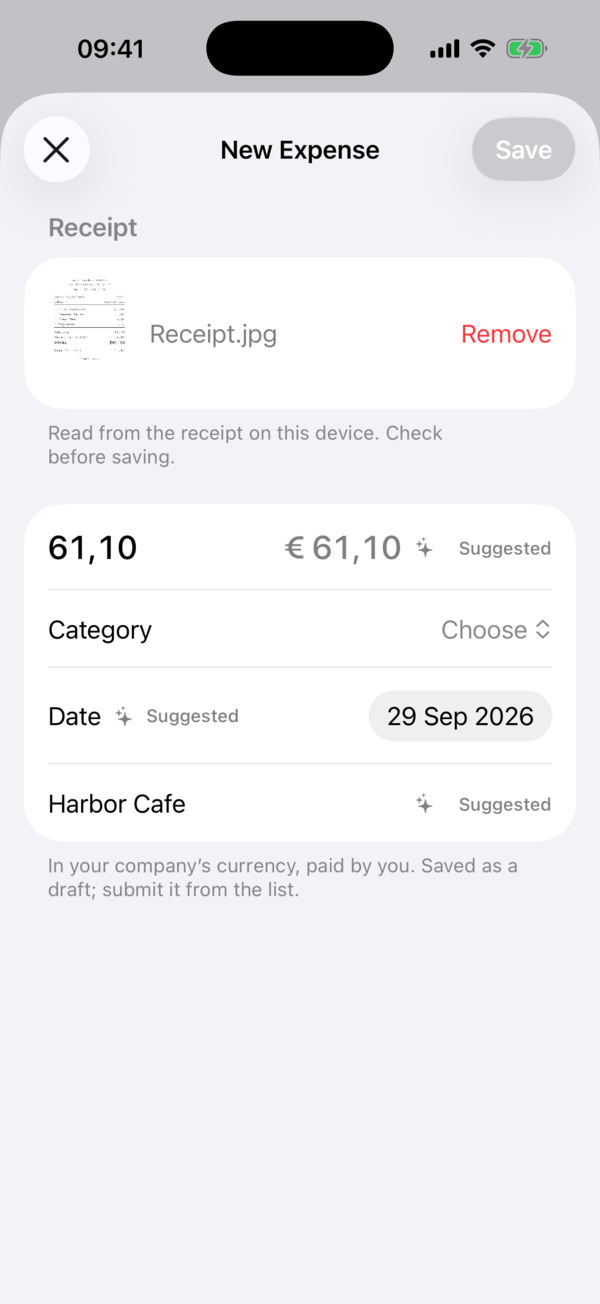
- Take a photo of the receipt. Amount, date and merchant are read on the phone and suggested.
Running the business
- Overview
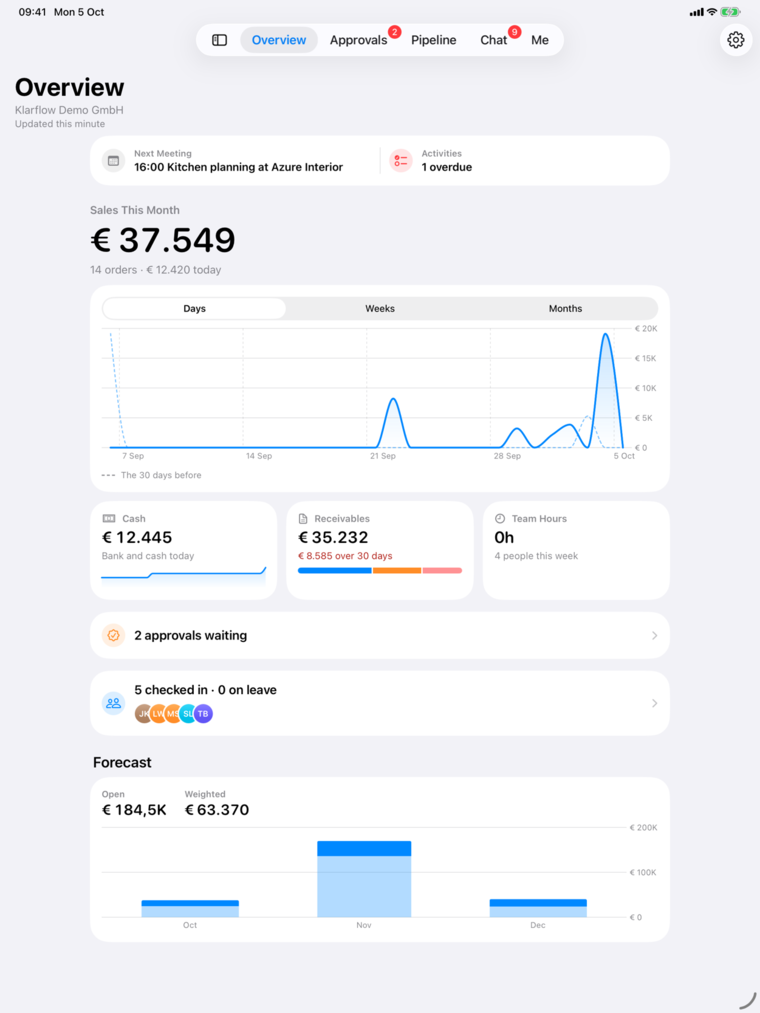
- Sales today and this month against your target, cash, receivables, team hours and the open pipeline.
- Charts
- Each figure by day, week or month, compared with the period before or with last year.
- Receivables
- Open invoices by age, each one a tap away.
- Pipeline
- Opportunities by stage. Move one on, or mark it won or lost.
- Approvals
- Approve or refuse time off and expenses in one tap.
On your own
- Quotes
- Build a quote with products from your Odoo and send it by email.
- Quote signing
- The customer signs on the screen. Odoo records who signed and when.
- Invoices and payments
- Create invoices and register payments.
- Delivery notes
- Delivery notes for your orders, as PDF.
- PDFs
- Every document as a PDF from your Odoo: open, share, print or save to Files.
In every role
- Chat
- Channels and direct messages from Odoo.
- Helpdesk tickets
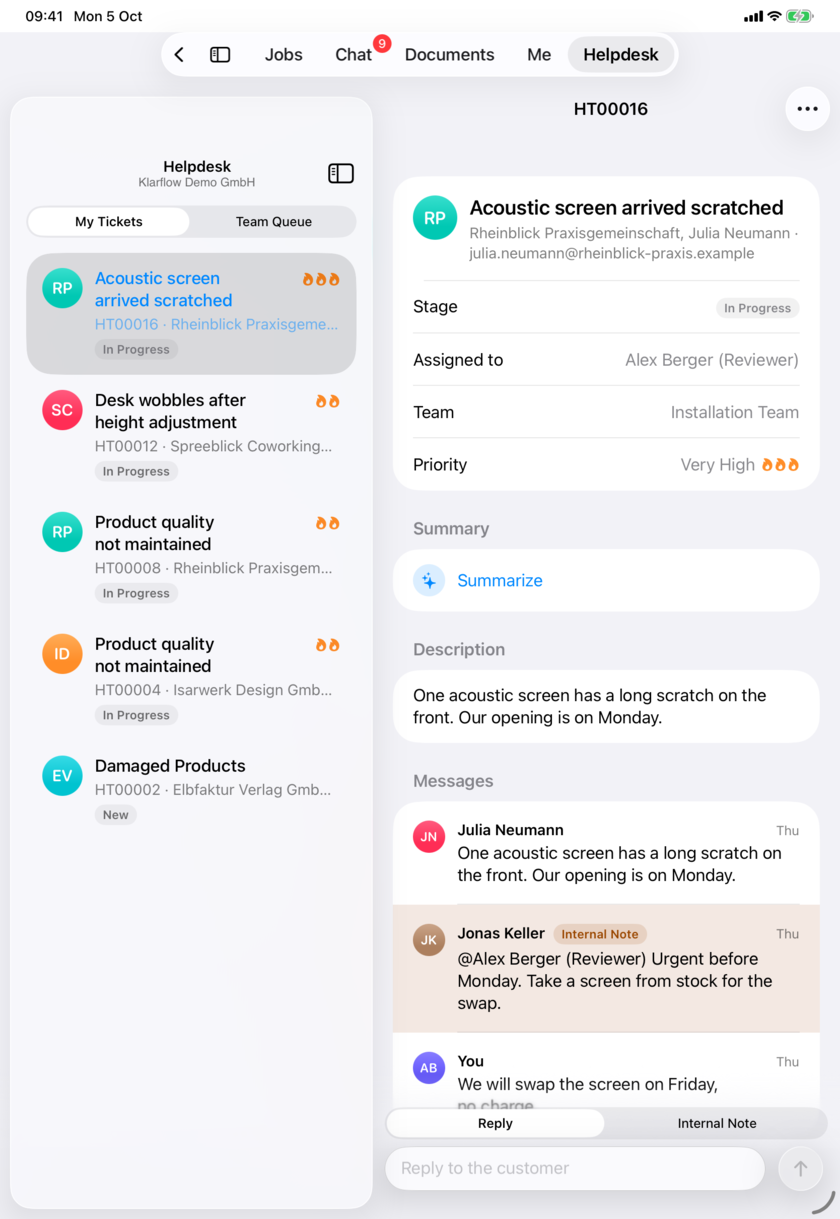
- Your tickets and the team queue. Reply to the customer or add an internal note.
- Attendance
- Check in and check out with one tap.
- My Week
- Your hours per day, against your daily target.
- Offline queue
- What you do without a connection is kept and sent when you are back.
- Live Activities
- The running timer on the Lock Screen and in the Dynamic Island.
- Widgets
- Timer, My Day, the next activities and the figures for managers, also Sales Today on the Lock Screen.
- Siri and Shortcuts
- Start or stop the timer, log time, check in or out, mark the next activity done, open a customer, start a new invoice.
- Caller ID
- Your Odoo contacts' names show when they call. Log the call afterwards. Nothing is sent to Odoo unless you log a call.
- Share extension
- Share a link or a file to Klarflow: a new task, lead or to-do, or an attachment on a record.
- Several accounts
- More than one Odoo server or company, switch in one tap.
Klarflow for iPad
Everything from the iPhone, laid out for the larger screen.
iPad layouts
- Sidebar
- Move between areas with a sidebar or the tab bar at the top.
- List and detail
- Lists and the open record side by side: documents, tickets, chat and the pipeline.
- Every iPhone feature
- The same features as on the iPhone, with the home screen for your role.
For teams and IT
Roll Klarflow out with your device management. IT keeps control, and the data stays in your Odoo.
Rollout and control
- Managed configuration
- Your MDM sets the server, database and sign-in method. People open the app and sign in, with nothing to type.
- Server lock
- People cannot change the server. Accounts on other servers are hidden.
- Feature switches
- Hide what your organization does not use, such as chat, the pipeline, documents or caller ID.
- Home screen
- Set the home screen for each role on iPhone and iPad, and lock it if you want.
- Device authentication
- Face ID, Touch ID or the passcode before the app shows any data.
- Sales target
- Set the monthly sales target that the Overview measures against.
Sign-in and security
- Sign-in
- Odoo login and password, or an API key you create in Odoo if your company uses two-factor authentication, single sign-on or passkeys. With the optional module: company login in the app, with no key to paste.
- One key per device
- Each device keeps its own API key in the keychain.
- Revoking a device
- Delete a device's key in Odoo, and its access ends at once. With the optional module you can also revoke it from the app.
- Your data
- The apps talk to your Odoo directly. Our servers, hosted in the EU, only pass on short alerts and count licences.
Optional: the free Klarflow module for Odoo
- Company login
- Sign in through the browser with single sign-on, two-factor authentication or passkeys. No key to paste.
- Device keys
- See and revoke the keys of each device.
- Attendance
- Check-in and check-out from the apps for every employee.
- Chat
- Start a direct conversation from the apps.
- PDFs
- Document PDFs for everyone, with their own rights, as your Odoo prints them.
- Instant alerts
- Alerts through push, sent through our relay. Without the module, the iPhone and iPad app checks in the background and the Mac app has no alerts.
- Organization licence
- People in an organization with a licence need no personal subscription.
What you need
Klarflow works with the Odoo you already have.
Requirements
- Odoo
- Odoo 17, 18 or 19, with access through the external API. Your own Odoo login is enough: no admin and no module are needed.
- Hosting
- Self-hosted, Odoo.sh, or Odoo Online on the Custom plan.
- Odoo Online
- Modules cannot be installed on Odoo Online. The apps work with login and password or an API key, with background alerts on iPhone and iPad.
- Devices
- macOS 26 or later on the Mac; iOS 26 or iPadOS 26 or later on iPhone and iPad.
- Klarflow module (optional)
- Not needed to use the apps. The free module, installed once by an Odoo admin, adds company login, instant alerts, check-in for everyone, PDFs through each user's rights and the organization licence. Download and install steps.
- Helpdesk
- Tickets use the Helpdesk module of the Odoo Community Association (OCA).
- Price
- EUR 14.99 per month. The first 7 days are free.
Try Klarflow free for 7 days.
On your Mac, iPhone and iPad, with the Odoo you already have.
Questions first? Write to hallo@kflow.one